
By Julia Koroleva March 27, 2026
The complexity of handling the SNAP transaction increases when the basket contains both eligible and ineligible items. In this case, the customer needs to understand the concept of partial approval and use the SNAP split tender for a smooth checkout experience.
During EBT basket checkout, the system automatically separates eligible and non-eligible items and applies the appropriate payment method, without human intervention.
With proper training, the staff can process EBT payments smoothly without the need to cancel or re-ring items, thereby ensuring a better customer experience.
Partial Approval in EBT Mixed Basket Checkout

With a mixed basket, partial approval works differently because it combines eligible and ineligible items. Once the cashier swipes the EBT card, the SNAP money is automatically deducted only from eligible items in the basket and ignored for ineligible items, such as hot foods, fees, or taxes.
The term ‘partial approval’ in this case means that only part of the total bill is approved by EBT, not because of an insufficient account balance, but because of ineligible items in the basket. For instance, if the customer’s total bill is $30, with $18 of it eligible items such as food and $12 of it ineligible items such as hot foods or fees, the EBT card will only approve the SNAP eligible subtotal of $18. The remaining balance of $12 will then have to be paid by another tender method.
Employees need to understand that nothing is going wrong in this case. The machine simply separates eligible and ineligible items in the basket and processes them in two parts using a split tender.
How to Process Mixed Baskets Smoothly
Scan the Full Basket First
When handling a customer’s payment, it is important for cashiers to scan all items in the basket before selecting a payment method. By doing this, they enable the POS system to recognize eligible items and those that are not eligible for SNAP benefits. Attempting to manually separate items is likely to cause confusion and may result in incorrect information. Scanning all items will help the POS system handle transactions effectively and prepare for a smooth split-tender payment process.
Let the System Handle Eligibility
The current generation of POS systems can automatically separate eligible and ineligible items during the EBT process. It is essential for cashiers to avoid making assumptions about the EBT process. The system should allow the EBT balance only for eligible items while denying it for ineligible items, including hot foods and service fees.
Handle Partial Approvals Without Canceling
If the customer’s balance is too low to cover the total amount of eligible funds, the system will approve only a portion of the eligible balance and show the customer the remaining balance. It is very important for cashiers to know that they should not cancel the partial approval of the EBT balance during this process, as this will only create more issues and delays.
Complete the Sale Using Another Tender
After informing the customer of the remaining balance, the cashier should request another form of payment to cover the balance. The balance will include ineligible items, fees, or any uncovered portion of the eligible items. The second form of payment can be a debit or credit card, or cash, and the sale will be completed without any action required.
Avoid Re-Rings and Voids
One of the largest objectives in handling mixed baskets is to process the sale in a single flow. Re-ringing or voiding the sale should be done in cases of actual errors. Reverting the sale slows down the line and frustrates the customer. Proper use of split payment SNAP EBT helps in completing the process in a single checkout.
Use Simple and Respectful Language
The language used by the cashiers should be simple and respectful. Technical jargon like “partial approval” and “split tender” should not be used with the customer, as it only confuses them further. A simple language should be used to ease worries and ensure the customer easily understands the situation.
Ensure Fees and Taxes Are Not Charged to EBT
SNAP benefits should not be used to cover certain fees, such as service, delivery, or tax fees. The POS system should automatically exclude fees and taxes from the EBT amount, and staff should be aware of this as well. Including fees in the EBT amount might cause problems during the transaction.
Keep the Process Smooth and Efficient
The overall goal is to provide a smooth, efficient checkout experience for customers. If the steps are followed correctly, the mixed basket transaction can be done within a matter of seconds. Not only will the checkout process at the counter be smooth, but it will also provide a positive experience for customers, encouraging them to come again in the future.
Checkout Scripts Tips for Employees
Employees should always use simple, easy-to-understand language during SNAP EBT transactions so customers can clearly understand the process without confusion. They should not use technical words but explain things in a way that a person can easily understand: what EBT will cover, the list of eligible food items, and that the leftover balance needs to be paid separately.
Also, being polite and neutral in tone is very important, as these transactions should be treated like any other payment without making a customer uncomfortable. Employees should also let customers know they will use two payment methods before completing the transaction.
- “Your EBT will pay for the eligible items, and the rest can be paid by another payment method”.
In case of partial approval, they should inform the customer about the balance left in a simple and calm way, like,
- “Your card was charged with $X, and $Y is left.”
It will not only prevent misunderstandings but also signal to customers that things are working as usual.
Employees should politely encourage the customer to make the second payment by saying something like,
- “How would you like to pay the remaining balance?”
If the customer looks hesitant, a little encouragement, saying,
- “That’s totally fine, we’ll just complete the rest of the payment with another card.”
This can be very helpful in reducing their anxiety. It’s necessary to refrain from using any negative or blaming language and instead focus on smoothly completing the transaction. Additionally, the employees should balance their time between keeping the line moving and being patient enough to allow the customers to respond. Completely wrapping up the conversation with just a…
- “Thank you, have a nice day.”
Always leave the customer with a good and professional checkout experience.
Common POS Errors That Disrupt SNAP EBT Transactions and How to Avoid Them
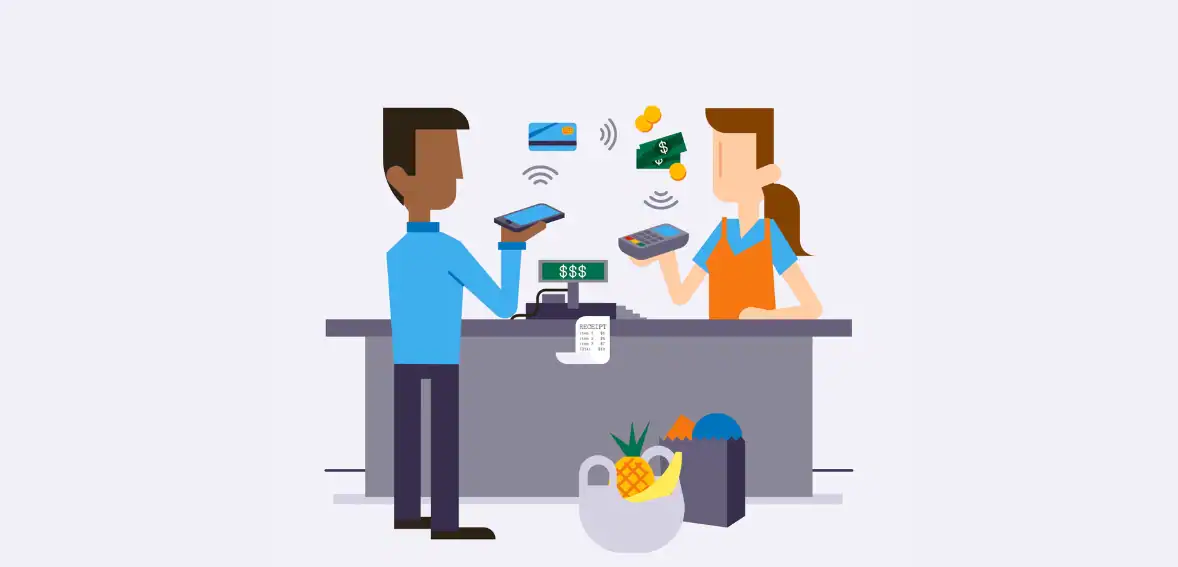
Incorrect POS setup is one of the most common reasons SNAP EBT transactions fail or create confusion at checkout. Employees should be aware of these issues so they can quickly identify problems and ensure customers are charged correctly without delays or frustration.
A frequent issue occurs when the POS system applies sales tax to SNAP-eligible food items. In most cases, eligible items should not be taxed when paid with SNAP benefits. If tax is incorrectly added, the EBT card may not cover the full amount, resulting in unexpected remaining balances, declined transactions, and compliance issues. This often confuses both the cashier and the customer and may require manual fixes or manager support.
Another common problem is when fees such as service charges, delivery fees, convenience fees, or tips are included in the EBT total. SNAP benefits cannot be used for these charges, so if the system is not properly configured, it can result in incorrect totals or failed transactions. These extra charges should always be routed to a separate payment method instead of being applied to EBT.
Thirdly, incorrect categorization of items is also a significant factor behind errors. Each product in the system should be distinctly classified as either eligible or ineligible. If this arrangement is incorrect, eligible items could be left uncovered, while ineligible items might be mistakenly approved. This not only causes billing problems but may also result in customer dissatisfaction and compliance risks. Performing regular system inspections is a simple way of preventing these issues.
On occasions, the split tender feature may not be activated properly. In such cases, instead of allowing EBT to pay for only a part of the order, the system may reject the transactions. This results in employees having to cancel and re-ring the whole order, which not only delays the checkout process but also leaves customers frustrated. Ensuring split payment options are set up correctly is key to efficient operation.
Receipt clarity is another essential factor. If the POS system does not visually denote the exact amount paid with EBT and the amount paid by another method, customers may feel confused or uncertain about the transaction. A good receipt will always clearly show each payment type to maintain transparency and trust.

Conclusion
Handling partial approvals and split tenders correctly is a must for completing SNAP EBT transactions without delays or errors. The system can automatically apply payments based on the SNAP eligible subtotal and leave the remaining balance for another tender. In this way, mixed basket transactions can be completed in one smooth flow, without any re-rings. Proper SNAP checkout training, clear communication, and correct POS setup, are combined ways to create a faster, more accurate, and customer-friendly checkout experience.
FAQs
Can SNAP pay delivery or bag fees?
No, SNAP benefits are intended to cover only eligible food items. Therefore, they cannot be used to pay for delivery charges, bag fees, service fees, or tips
How do we split tenders for online vs in-store?
In the store, the POS system will first allocate SNAP to cover eligible items, and if any balance remains, it will prompt for another payment method.
Can customers choose how much SNAP to apply?
Generally, customers cannot select the amount manually. The system will automatically apply SNAP benefits to all eligible items up to the available balance.
Why is my POS trying to tax SNAP items?
The most common reason for this is an improper EBT POS configuration. SNAP-eligible items should not be taxed most of the time when payment is made through EBT.
What are SNAP sales tax rules at checkout?
SNAP sales tax rules usually eliminate tax from being charged on eligible food items when purchased.