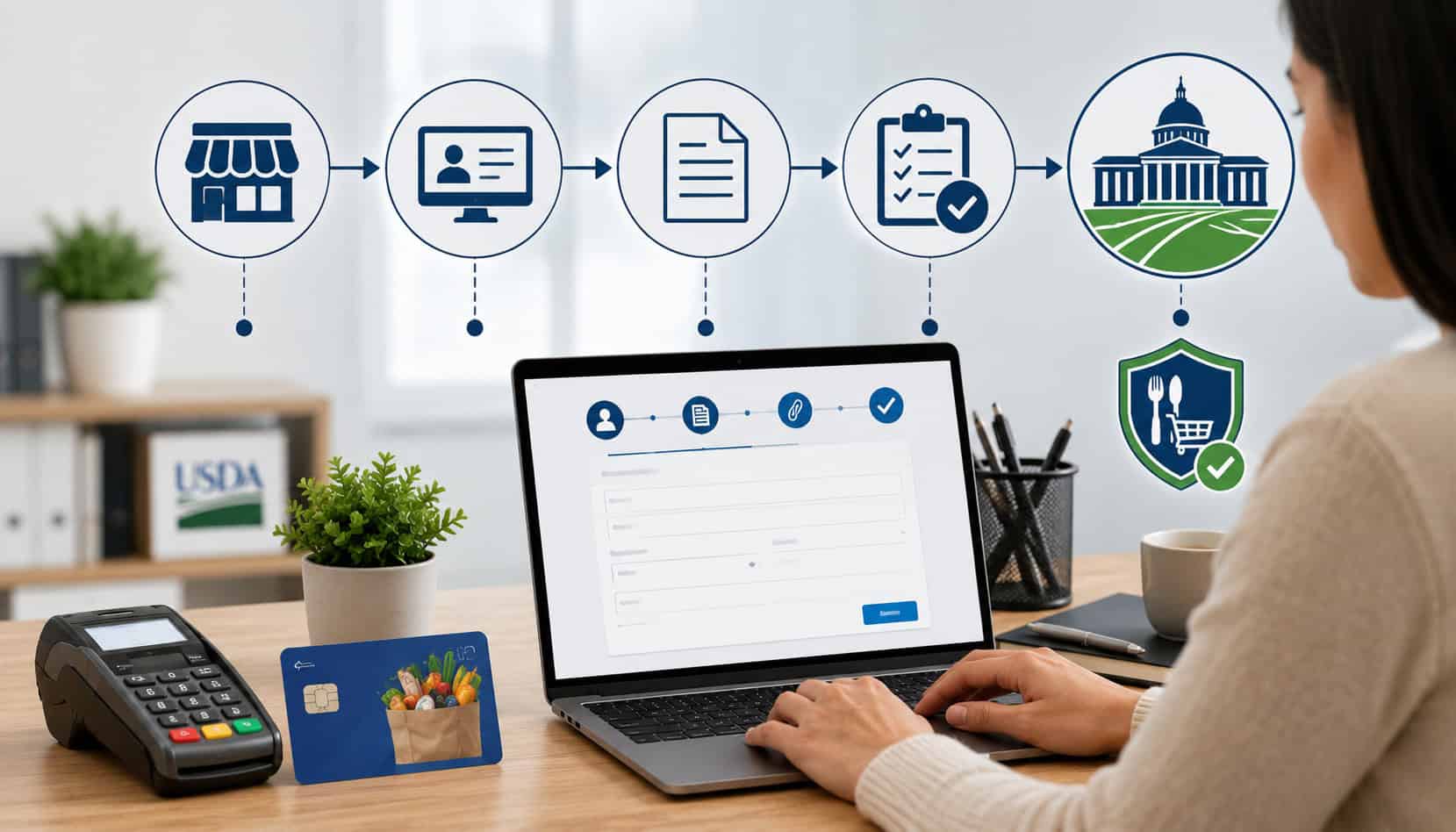
Before a merchant can accept SNAP EBT payments, the store must be authorized by USDA FNS. That authorization is often called an EBT permit, SNAP retailer authorization, USDA FNS retailer permit, or FNS approval.
The important point is simple: you cannot start accepting SNAP benefits just by buying an EBT terminal or signing up with a payment processor. USDA FNS is the only agency that approves retailers for SNAP participation, and the application is submitted through the official FNS retailer system at no cost.
For food retailers, the process matters because SNAP benefits may only be used for eligible food purchases. FNS reviews your store type, ownership details, inventory, staple food availability, business documents, and compliance readiness before issuing authorization.
Once approved, your business receives an FNS number, which is needed to connect SNAP EBT acceptance with your EBT payment processing setup.
This guide explains how to Apply for an EBT Permit, what documents to prepare, how the USDA FNS EBT application works, what happens after approval, and how to stay compliant once your EBT terminal setup is live.
Disclaimer: This article is for informational purposes only and is not legal advice or government application advice. Merchants should confirm current requirements directly with USDA FNS or qualified advisors.
What Is an EBT Permit?
An EBT permit is the retailer authorization that allows an approved food business to accept SNAP benefits through EBT cards for eligible food purchases.
In practice, merchants may hear this called a SNAP retailer permit, USDA FNS retailer permit, SNAP retailer authorization, EBT merchant approval, or FNS authorization. The terminology varies, but the approval comes from USDA FNS.
The permit does not simply approve a payment method. It confirms that the business is eligible to participate as a SNAP retailer. FNS looks at whether the store sells food for home preparation and consumption, whether the store meets staple food or staple food sales standards, and whether the business and owners meet program requirements.
Federal SNAP retailer rules state that FNS may require information and documentation to determine whether an applicant qualifies for authorization.
Once approved, the retailer can accept SNAP EBT payments only for eligible items. That means the store must separate eligible food products from non-eligible products in checkout workflows, train staff on transaction rules, and keep records that support compliant operations.
An EBT permit is also different from a merchant account or EBT payment processing account. The permit authorizes SNAP participation. The processor and equipment setup allow the store to process transactions after authorization.
For example, after approval, merchants may review EBT payment processing options to connect authorization with compatible payment equipment.
Who Needs to Apply for an EBT Permit?
Any eligible food retailer that wants to accept SNAP EBT payments needs SNAP retailer authorization before processing those benefits.
This commonly includes grocery stores, convenience stores, small markets, farmers markets, specialty food shops, meat markets, produce stores, bakeries with qualifying inventory, and other retailers that sell eligible foods for home preparation and consumption.
FNS retailer guidance explains that applying to accept SNAP benefits is an online process, that there is no cost to apply, and that FNS is the only source that authorizes retailers. A third-party company may help a merchant understand payment equipment, POS readiness, or operational setup, but it cannot issue SNAP authorization on behalf of FNS.
Stores generally need to apply if they want to:
- Accept SNAP EBT at checkout
- Add EBT to an existing payment terminal or POS system
- Open a new food retail location that will accept SNAP
- Operate a farmers market or specialty food store that wants to serve SNAP shoppers
- Continue accepting SNAP after certain business changes, depending on FNS requirements
Businesses should also understand that authorization is tied to the approved firm and location. A change in ownership, store location, legal structure, or other key business details may require action with FNS. After approval, merchants should keep business records current and notify the appropriate parties when major changes occur.
Not every food-related business automatically qualifies. A store that sells mostly hot prepared foods, restaurant meals, accessories, or non-food merchandise may have trouble meeting SNAP retailer requirements unless a specific exception applies. The best first step is to review your inventory and business model before starting the SNAP retailer application.
USDA FNS EBT Application Requirements
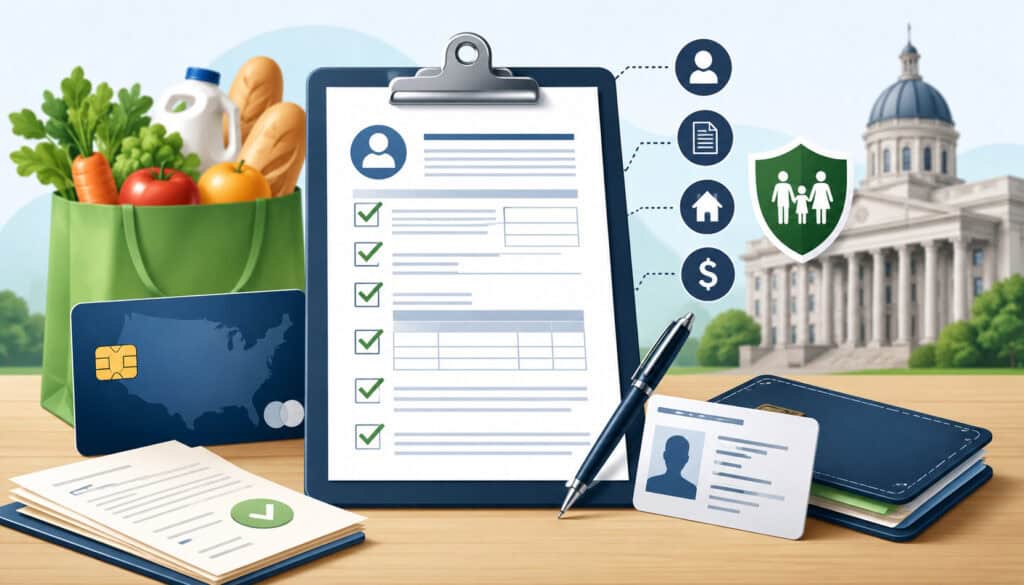
The USDA FNS EBT application is designed to help FNS determine whether a business qualifies for SNAP retailer authorization. The application typically asks for business identity, ownership details, store location, tax information, food inventory, sales information, and supporting documents.
FNS may also request additional records to confirm the accuracy of the application. Federal rules allow FNS to verify business-related tax filings and request corroborating documentation when needed.
A strong application starts before the form is opened. Merchants should gather documents, review store inventory, confirm ownership details, and make sure business records are consistent. Inconsistent names, addresses, tax numbers, or ownership percentages can slow review.
| Requirement | What It Means | Why It Matters |
| Business information | Legal business name, trade name, store address, contact details | Helps FNS identify the applicant and store location |
| Owner information | Personal details for owners and responsible parties | Supports identity verification and program integrity |
| Tax details | EIN, SSN where required, and related tax records | FNS uses taxpayer information as part of eligibility review |
| Store inventory | Staple foods, product categories, and eligible food items | Shows whether the store meets SNAP retailer requirements |
| Sales information | Food sales and total retail sales details | Helps determine whether the store qualifies under sales standards |
| Supporting documents | Licenses, IDs, tax documents, and store records | Confirms the application is accurate and complete |
| Compliance readiness | Ability to follow SNAP transaction rules | Protects the merchant from violations after approval |
Business and Owner Information
The SNAP retailer application requires accurate business and owner information because FNS must verify who is applying, who controls the business, and where SNAP benefits would be accepted.
Merchants should be prepared to provide the legal business name, trade name, store address, mailing address, phone number, business structure, and tax information.
Ownership details are especially important. If there are multiple owners, each owner’s information may need to be disclosed accurately. Omitting an owner, using outdated ownership percentages, or entering names that do not match tax or license documents can cause delays.
FNS guidance also addresses taxpayer identification requirements for SNAP retailer applicants, including acceptable taxpayer identification numbers such as SSN and EIN where applicable. Merchants should make sure their records are consistent before applying.
Store Inventory and Food Eligibility
Inventory is one of the most important parts of the USDA FNS EBT application. FNS needs to know whether the store sells enough qualifying food to operate as an eligible SNAP retailer. SNAP rules focus on staple foods that are generally used for home preparation and consumption.
The four staple food categories are commonly understood as:
- Vegetables or fruits
- Meat, poultry, or fish
- Dairy products
- Breads or cereals
A retailer may qualify by meeting staple food stocking standards or by having more than half of total gross retail sales in staple foods. FNS guidance describes these as Criterion A and Criterion B.
Accessory foods and non-food items do not carry the same weight for eligibility. Snacks, prepared foods, supplements, tobacco, paper goods, cleaning products, and other non-staple merchandise should not be treated as the foundation of SNAP eligibility.
Product mix matters because FNS wants to confirm that SNAP shoppers can purchase meaningful food items from the store.
Supporting Documents
Supporting documents help FNS confirm that the business is legitimate, properly identified, and ready for review. The exact documents can vary by business type, ownership structure, and application details, but merchants commonly need business licenses, owner identification, tax documents, store records, and documents showing the right to operate at the location.
Some application guides note that supporting document instructions may be provided after submitting the online application and may include items such as government-issued identification, business license, or Social Security card, depending on the applicant.
Merchants should prepare clean, readable copies before applying. Blurry files, expired licenses, missing pages, or mismatched names can slow the process. If FNS asks for more information, respond carefully and keep copies of everything submitted.
Step-by-Step Guide to Apply for an EBT Permit
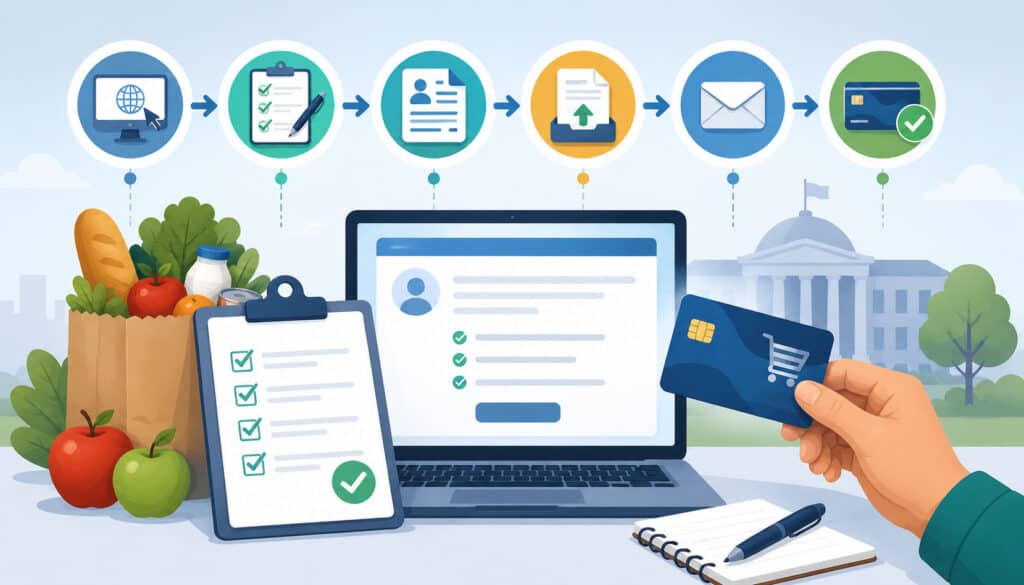
To Apply for an EBT Permit, merchants should treat the process as both an application task and an operational readiness review. The goal is not just to submit a form. The goal is to show that the store qualifies, that the business information is accurate, and that the retailer is ready to accept SNAP EBT properly after approval.
The official SNAP retailer application is handled through USDA FNS. FNS states that the application is online, costs nothing, and can be completed in a short amount of time when the merchant is prepared.
However, the preparation stage often takes longer than the form itself because merchants need accurate inventory details, ownership information, tax records, and supporting documents.
A practical process looks like this:
- Review store eligibility.
- Gather business and owner documents.
- Create or access the FNS retailer application portal.
- Complete the SNAP retailer application.
- Submit requested documents.
- Respond to FNS follow-up questions.
- Wait for approval or denial.
- Set up EBT payment processing after authorization.
Step 1: Confirm Your Store Eligibility
Before starting the SNAP retailer application, review whether your store is likely to meet SNAP retailer requirements. Look at your inventory, sales mix, store format, and customer offering. A convenience store with a meaningful selection of staple foods may qualify, while a business built mostly around hot prepared foods or non-food items may not.
Check whether your store has qualifying foods across the staple categories and whether those foods are available on a continuous basis. Also review whether perishable foods are part of the inventory where required.
If your store may qualify based on staple food sales instead of stocking variety, organize sales records that show staple foods make up the required share of sales.
This step is also the right time to review item eligibility. Merchants should begin thinking about how their POS system will identify SNAP-eligible products. For later operations, resources on managing SNAP-eligible item files can help retailers understand UPC, PLU, scale item, and product mapping considerations.
Step 2: Create or Access the USDA FNS Retailer Portal
Most merchants apply through the official FNS retailer application system. FNS provides retailer application access through its SNAP retailer resources and explains that FNS is the only source that authorizes retailers for SNAP.
When creating or accessing the portal, use a reliable email address that the business monitors regularly. FNS communications, document instructions, and follow-up requests may depend on timely responses. Missing a message or delaying a requested upload can extend the review process.
Before logging in, confirm that you have your business information, owner information, tax details, and store records ready. The online form may not be difficult, but accuracy matters. If you rush and enter inconsistent details, your application may require clarification.
Step 3: Complete the SNAP Retailer Application
When completing the SNAP retailer application, enter every detail carefully. The form may ask about the store’s legal name, trade name, physical address, business type, ownership, inventory, food categories, sales, and supporting documents. Answer based on current, accurate store operations.
Do not exaggerate inventory or sales details. FNS may verify information, request documents, or inspect the store. Federal rules allow FNS to consider the nature and extent of the food business, request documentation, and review whether a store meets program requirements.
When describing inventory, be specific enough to show how your store meets SNAP retailer requirements. For example, a small market should be able to show staple food categories, product variety, and perishable food availability where applicable. A farmers market may need to describe vendors, eligible foods, and operating structure.
After submission, follow the portal instructions for supporting documents. Save confirmation information and keep a copy of submitted materials.
Step 4: Wait for Review and Approval
After the application is submitted, FNS reviews the information and may request additional documentation. The review may include checking business legitimacy, ownership details, store inventory, tax information, and eligibility criteria. Some stores may need to provide clarification or updated documents.
If FNS approves the application, the business becomes a SNAP-authorized retailer and receives authorization information, including the FNS number used for EBT setup. If FNS denies the application, the merchant should carefully review the reason and determine what steps are available.
During the review period, do not represent the store as authorized until approval is received. A pending application does not give the merchant permission to accept SNAP EBT.
What Happens After Approval?
After approval, the merchant can move from application work to operational setup. The business should receive authorization details from FNS, including the FNS number. This number is important because payment processors use it to configure SNAP EBT food benefit transactions.
A state EBT resource explains that the FNS number is needed by retailers processing EBT food benefit transactions and that EBT cardholders need a PIN pad to enter their PINs.
Approval does not automatically mean your register is ready. The merchant still needs EBT-compatible equipment, processor configuration, POS item mapping, receipts, staff training, and transaction testing. Depending on the store, this may involve a standalone EBT terminal, an integrated POS system, or a hybrid setup.
Important post-approval tasks include:
- Provide the FNS number to the EBT payment processor.
- Choose compatible EBT terminal or POS equipment.
- Confirm PIN pad functionality.
- Map SNAP-eligible items correctly.
- Train cashiers on eligible and ineligible purchases.
- Test split-tender and balance workflows.
- Set up reporting and reconciliation.
- Keep authorization documents accessible.
Merchants comparing equipment can review integrated vs. stand-beside EBT terminals to understand how each setup affects speed, reporting, training, and reconciliation.
EBT Payment Processing Setup for Approved Merchants
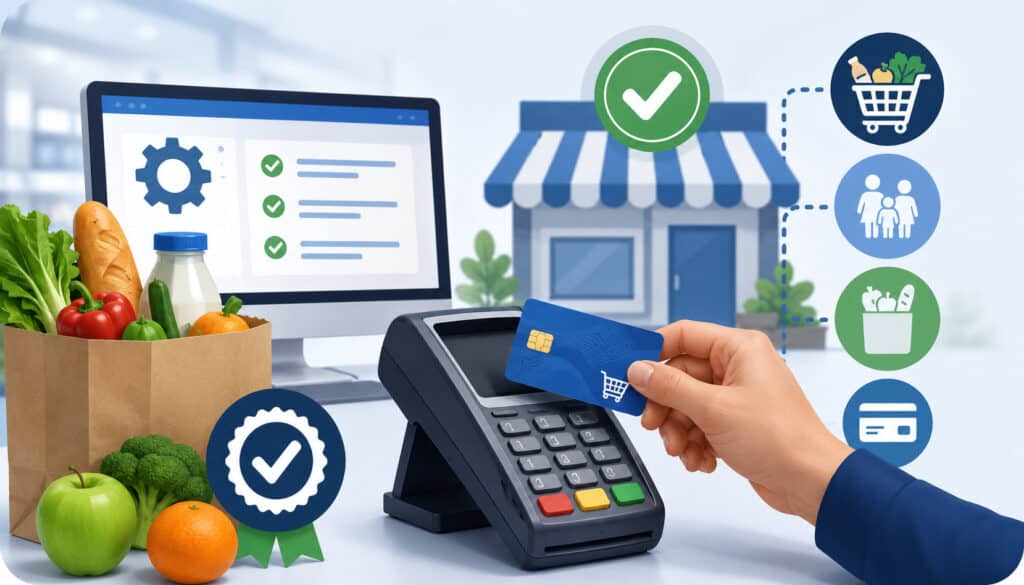
EBT payment processing setup is the bridge between SNAP retailer authorization and daily checkout operations. Once approved, your business needs a processor and equipment that can handle EBT transactions securely and accurately.
FNS retailer information states that authorized SNAP stores must use EBT equipment and transaction services so SNAP shoppers can pay for eligible food.
A good setup should support the way your store actually operates. A small single-register store may prefer a simple stand-beside terminal. A larger grocery store may need integrated POS functionality that connects EBT transactions with item files, inventory, tax settings, reporting, and accounting.
Key setup areas include:
- Terminal compatibility: The terminal must support SNAP EBT transactions and PIN entry.
- POS integration: Integrated systems should identify eligible and ineligible items accurately.
- Receipts: Receipts should reflect required transaction details without exposing unnecessary customer information.
- Split tender: Customers may need to pay for eligible items with SNAP EBT and non-eligible items with another payment method.
- Refunds and voids: Staff should know when and how to process corrections.
- Settlement and reporting: Managers should reconcile EBT activity with daily sales records.
- Security: Systems should protect transaction data and reduce misuse risk.
For operational workflows after approval, merchants may find EBT refunds, voids, and returns useful when building manager procedures.
SNAP Compliance Rules Merchants Should Understand
SNAP compliance is an ongoing responsibility. Getting approved is only the beginning. Every authorized retailer must follow program rules when accepting SNAP EBT. That includes selling only eligible items through SNAP, preventing prohibited transactions, training staff, maintaining records, and responding properly to errors.
The most common compliance areas include:
- SNAP benefits may be used only for eligible food items.
- Benefits may not be exchanged for cash.
- Non-food items cannot be charged to SNAP.
- Hot prepared foods and ready-to-eat items may be restricted unless a specific program exception applies.
- Staff should not manually override item eligibility without proper procedures.
- Refunds should return benefits correctly when required.
- Transaction records should be retained according to store policy and applicable requirements.
- Managers should review suspicious patterns or repeated cashier errors.
Compliance also depends on good systems. If the POS item file is wrong, cashiers may accidentally process ineligible items. If staff are not trained, they may mishandle split-tender transactions. If managers do not review reports, small errors can become repeat violations.
Retailers should build a training program for cashiers and supervisors. A helpful operational resource is EBT cashier training, which focuses on accuracy, checkout flow, and respectful customer service.
Common Application Mistakes to Avoid
Many EBT merchant application delays come from preventable mistakes. The SNAP retailer application is manageable, but it requires accuracy. Merchants who rush, guess, or submit incomplete documents may face follow-up requests that slow approval.
One common mistake is applying before the store is ready. If inventory is incomplete, shelves are not stocked, licenses are missing, or business records are inconsistent, the application may raise questions. FNS reviews whether the store qualifies as an eligible retailer, so the store should be ready to demonstrate eligibility at the time of application.
Another mistake is inaccurate ownership information. Every required owner or responsible party should be disclosed correctly. The same names should appear consistently across documents where applicable. If the business recently changed ownership or structure, resolve records before applying.
Merchants should also avoid misunderstanding the role of payment processors. A processor can help with EBT terminal setup after authorization, but FNS approval must come from FNS. FNS clearly states that it does not work with outside entities to authorize retailers and that there is no cost to apply.
Avoid these mistakes:
- Submitting expired or unreadable documents
- Using a different business name on each document
- Guessing sales percentages
- Listing incomplete owner information
- Applying before staple food inventory is in place
- Confusing EBT equipment approval with SNAP authorization
- Ignoring FNS follow-up requests
- Failing to save application confirmations
Best Practices for a Smooth EBT Permit Application
A smooth application starts with preparation. Before you Apply for an EBT Permit, review your store’s eligibility, organize documents, confirm ownership details, and make sure your inventory supports SNAP retailer requirements. This reduces the chance of delays and helps you respond quickly if FNS requests additional information.
Start by checking your staple food categories. Walk the store and document the types of qualifying foods you sell. Make sure inventory is not only present but available on a continuous basis. If your business is close to the eligibility line, consider strengthening staple food inventory before applying.
Next, organize records. Your business license, tax information, owner identification, store address, and business name should match wherever possible. If there are differences, be prepared to explain them with documentation.
You should also plan for post-approval operations before approval arrives. Choose whether your store will use a stand-beside terminal, integrated POS, or hybrid setup. Review cashier training needs. Decide who will maintain eligible item files. Create procedures for split tender, refunds, voids, and daily reconciliation.
Best practices include:
- Review FNS retailer requirements before applying.
- Gather documents before opening the application.
- Keep ownership and tax details consistent.
- Stock staple foods clearly and continuously.
- Submit readable files.
- Monitor email for FNS messages.
- Respond quickly to document requests.
- Train staff before the first EBT transaction.
- Keep records organized after approval.
FAQs
How do I apply for an EBT permit?
To apply for an EBT permit, confirm that your store meets SNAP retailer requirements, gather your business documents, owner information, tax details, and inventory records, then complete the official USDA FNS retailer application online. FNS will review your application and may request additional information before issuing approval.
What is the USDA FNS EBT application?
The USDA FNS EBT application is the official retailer application used by eligible food businesses to request authorization to accept SNAP EBT payments. It asks for business details, ownership information, store location, inventory details, sales information, and supporting documents.
Who can get an EBT permit?
Eligible food retailers such as grocery stores, convenience stores, farmers markets, produce shops, meat markets, and specialty food stores may be able to get an EBT permit if they meet SNAP retailer requirements. The store must generally sell qualifying food items for home preparation and consumption.
How long does SNAP retailer approval take?
SNAP retailer approval time can vary depending on how complete the application is, whether the documents are accurate, and whether FNS needs more information. Merchants can help avoid delays by submitting clear documents and responding quickly to any FNS follow-up requests.
What documents are needed for an EBT merchant application?
Common documents for an EBT merchant application may include a business license, owner identification, tax records, ownership details, store records, and other documents requested by USDA FNS. The exact documents may vary depending on the business type and application details.
Can a convenience store accept SNAP EBT?
Yes, a convenience store may be able to accept SNAP EBT if it meets SNAP retailer requirements and receives USDA FNS authorization. The store must carry enough qualifying food items and comply with SNAP rules for eligible and ineligible purchases.
What happens after getting approved?
After approval, the retailer receives authorization information, including an FNS number. The merchant can then set up EBT payment processing, choose compatible EBT equipment, configure terminals or POS systems, train staff, and begin accepting SNAP EBT payments properly.
Do merchants need special equipment to accept EBT?
Yes, merchants need EBT-compatible equipment to accept SNAP EBT payments. This usually includes an EBT terminal or POS system with PIN pad functionality so customers can securely enter their PIN during checkout.
Conclusion
To Apply for an EBT Permit, merchants should first confirm store eligibility, review SNAP retailer requirements, prepare accurate documents, and complete the USDA FNS retailer application through the official process. Approval comes from FNS, not from a payment processor, and there is no cost to apply through FNS.
After approval, the work shifts to EBT payment processing setup. Merchants need an FNS number, compatible equipment, PIN pad functionality, accurate item files, staff training, and reliable reporting. A strong launch process helps the store accept SNAP EBT correctly from the first transaction.
The best results come from careful preparation, accurate records, clear staff procedures, and ongoing compliance. When the application, equipment, and training are aligned, retailers can serve SNAP shoppers confidently while protecting the business from avoidable errors.